
One Canvas for Your Entire AI Design Workflow
Think visually. Create with context.
Virse AI Canvas brings references, ideas, generations, and creative decisions into one infinite workspace. Explore, connect, compare, and refine without breaking your creative flow.
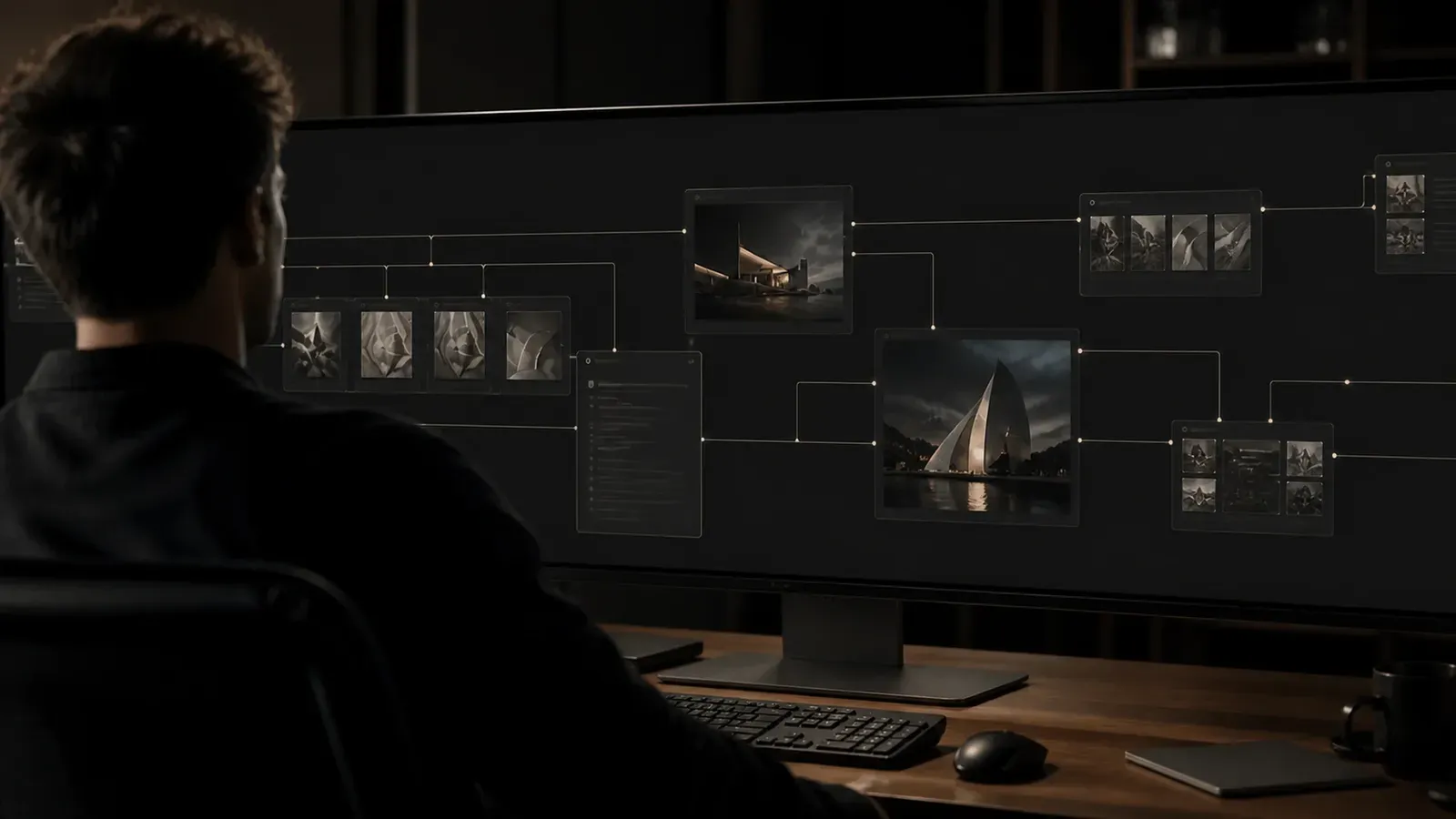
More than a place to generate
A workspace that understands how ideas connect
Design rarely happens one prompt at a time. On Virse Canvas, references, images, groups, connections, and outputs stay visible together — giving both you and AI the context behind every creative decision. Your workspace becomes part of the prompt.
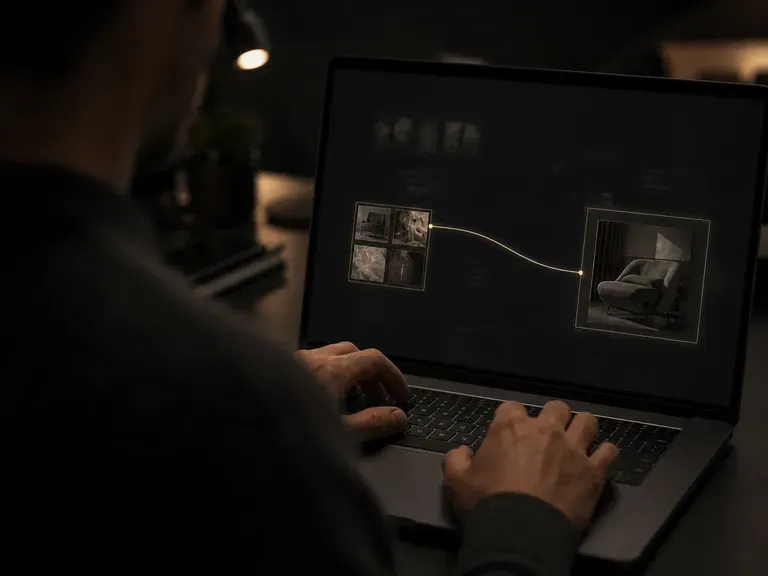
Your canvas is the context
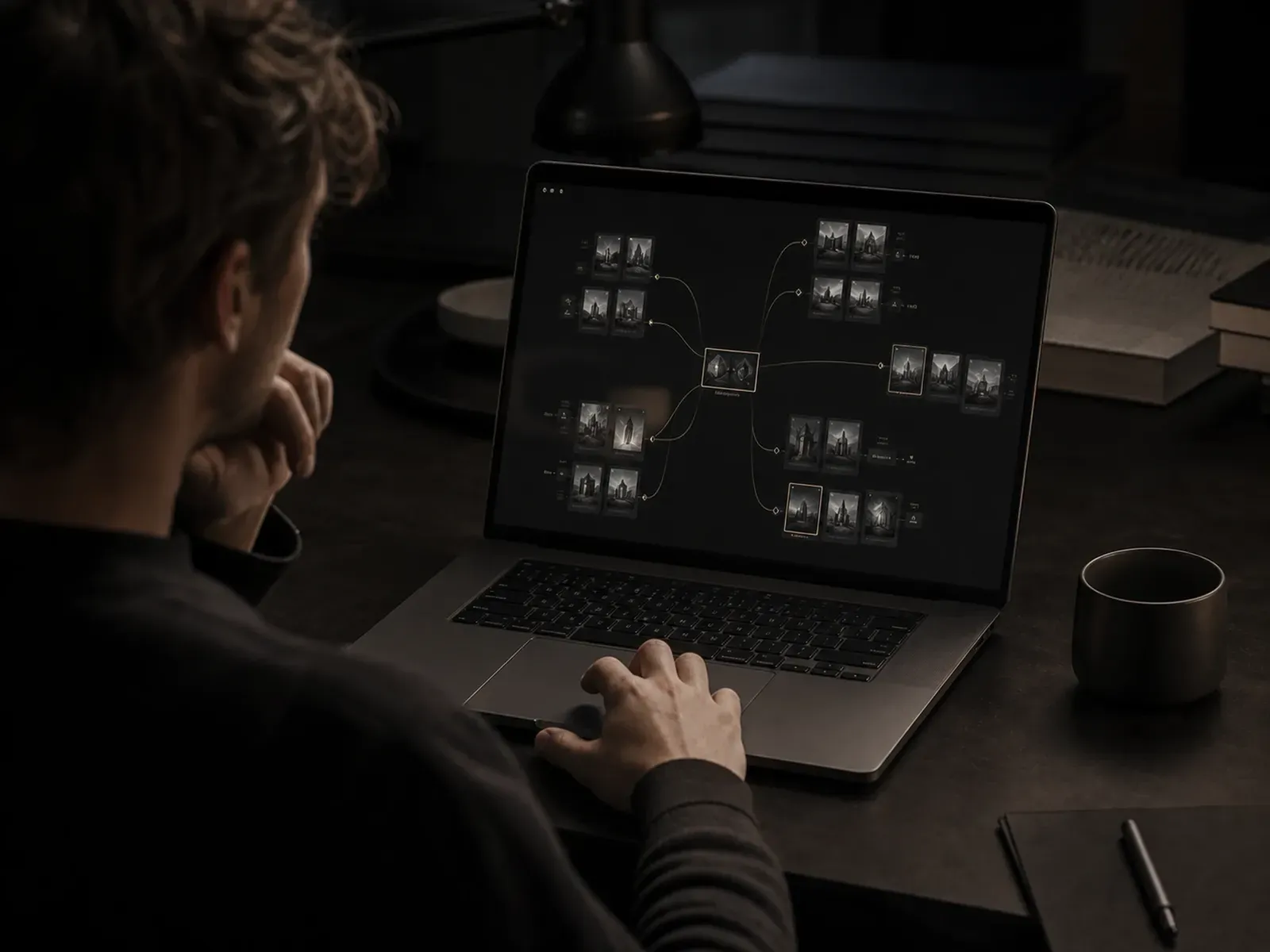
Stop rebuilding the same prompt every time. Drop in references, connect related ideas, group directions, and build from previous outputs. Virse understands what's already on the canvas and uses that visual context to support what comes next — less explaining, more creating.
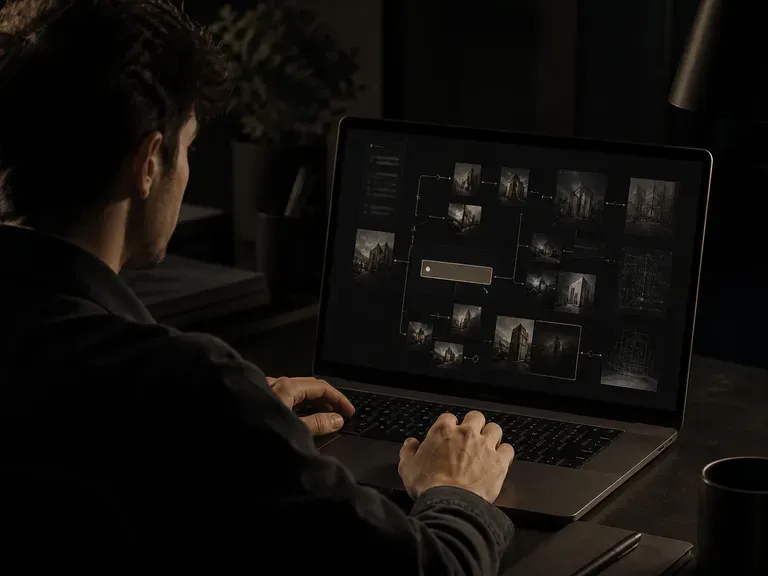
See the whole creative process
Keep references, experiments, selected directions, and iterations in one visual space. Instead of hiding creative decisions inside chat history or disconnected files, Virse Canvas makes the evolution of an idea visible — from first reference to final direction, everything stays connected.
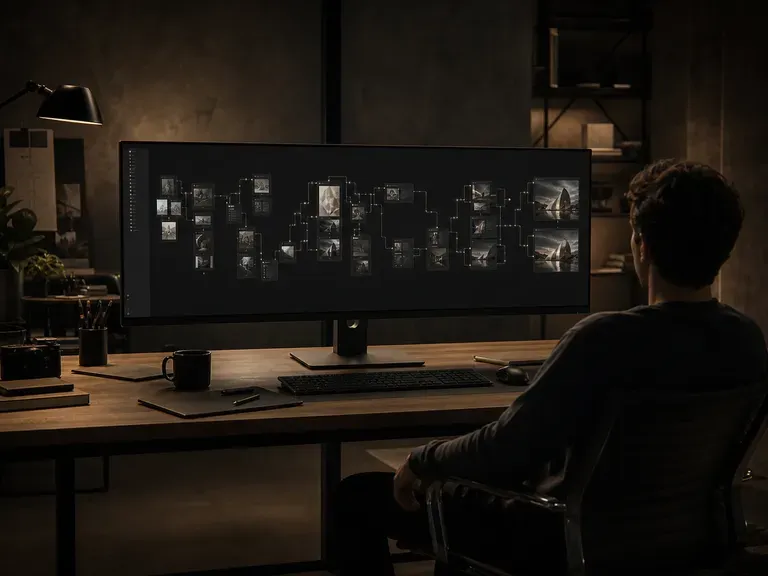
Work visually, not just with prompts
Creative direction is often easier to show than describe. Use images, layout, grouping, and connections to communicate relationships that are difficult to express through text alone. Show AI what you mean — not only what you can describe.
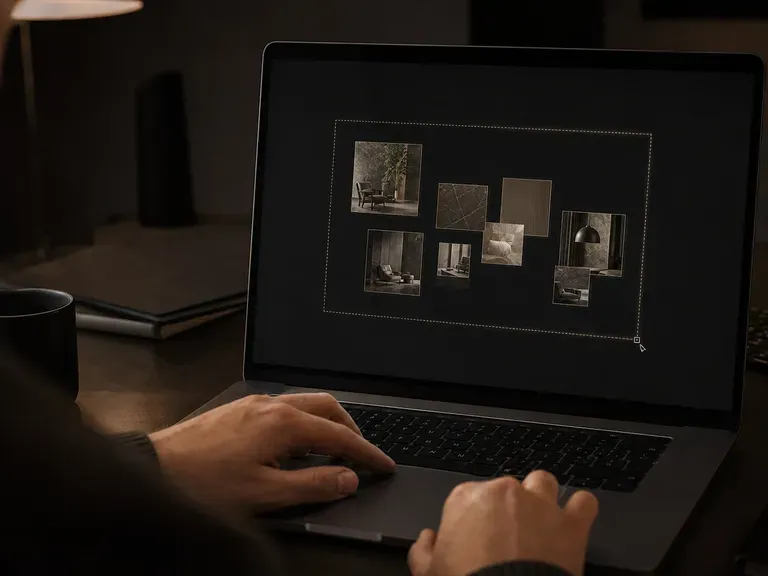
One canvas. Multiple AI workflows.
Use the same canvas across different stages of creative work — your context stays in the project as the work evolves.
Visual Exploration
Collect references and develop multiple directions.
Concept Development
Build on selected ideas without starting over.
Iteration
Compare outputs and refine promising directions.
Production
Extend approved concepts into more creative assets.
Explore without losing the thread
Creative work is rarely linear. Generate multiple directions, place them side by side, compare variations, and continue from the ideas worth developing.
Traditional AI workflow
- Write a prompt
- Generate an image
- Download the result
- Start over for the next idea
Virse Canvas
- Drop in a reference
- Explore multiple directions
- Compare and refine on the canvas
- Extend the direction that works
Built for the way designers think
Designers do not think in isolated prompts. They think through references, relationships, alternatives, comparisons, and iterations.
Virse Canvas turns that process into a workspace AI can understand. Your ideas stay visible. Your context stays connected. Your creative direction stays yours.
Frequently asked questions
What is an AI canvas?
How is Virse AI Canvas different from chat-based AI design tools?
How does Virse AI Canvas maintain creative context?
What design workflows can Virse AI Canvas support?
Your creative workspace, now AI-native
Bring the entire design process into one canvas where people, ideas, assets, and AI can work from the same context.